
Basic simplicity · Plus collaboration · Advanced tools

Features that connect clearly to the service level you need.

Start with a separate business number and straightforward calling. Move to Plus for messaging and teamwork, or Advanced when more sophisticated call handling and productivity tools become useful.

The everyday experience

It still feels like using a phone. It just works like a business system.

Call from your business number, keep customer texts with the business, and use the same familiar tools without handing out your personal number.

01
Make and receive calls

Your business identity appears to customers while you work from the mobile app.

02
Keep texts together

Customer conversations and picture messages stay separate from personal messaging.

03
Add devices when useful

Desktop access and physical handsets can join the same setup without changing the core experience.
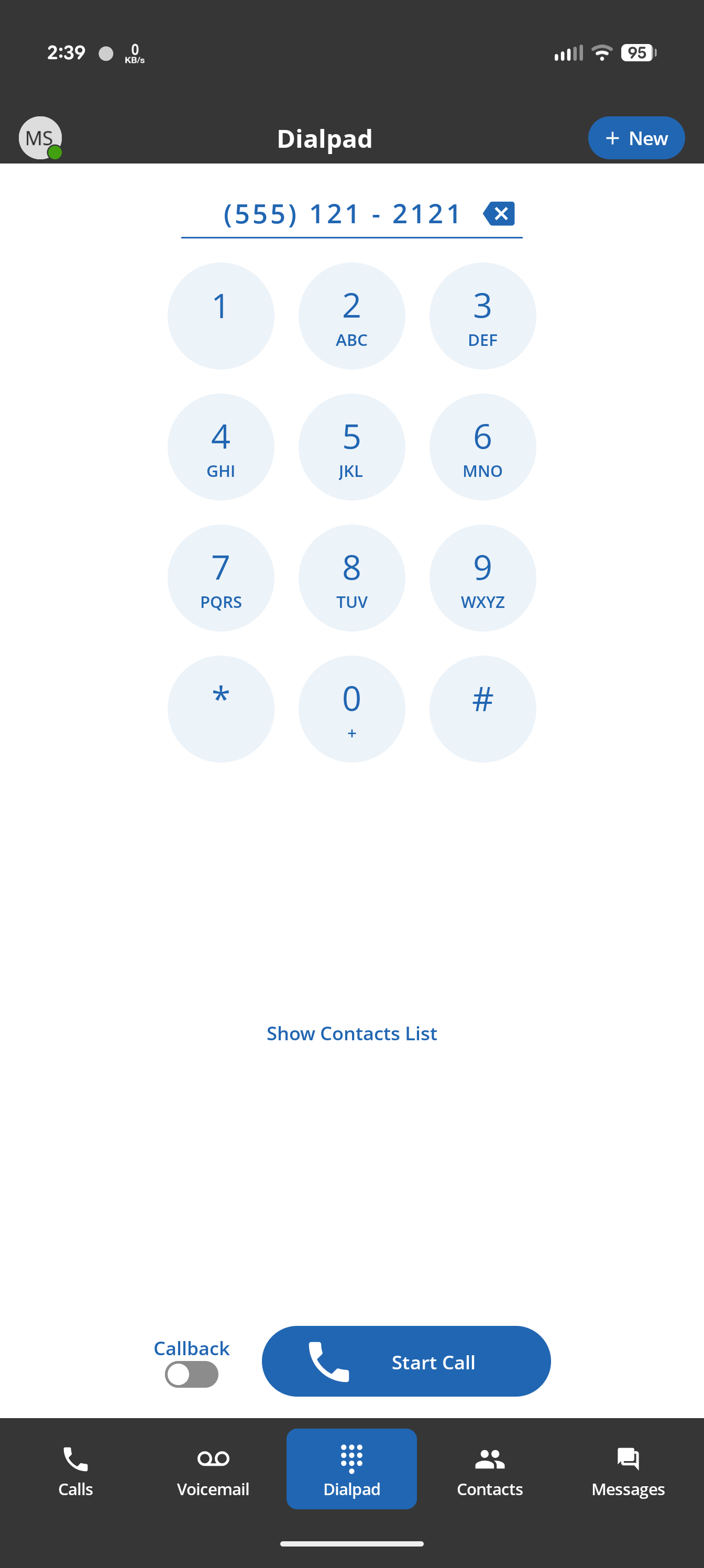
ConnectUC mobile dial pad ready to place a business call
Business callingUse the number customers recognize.
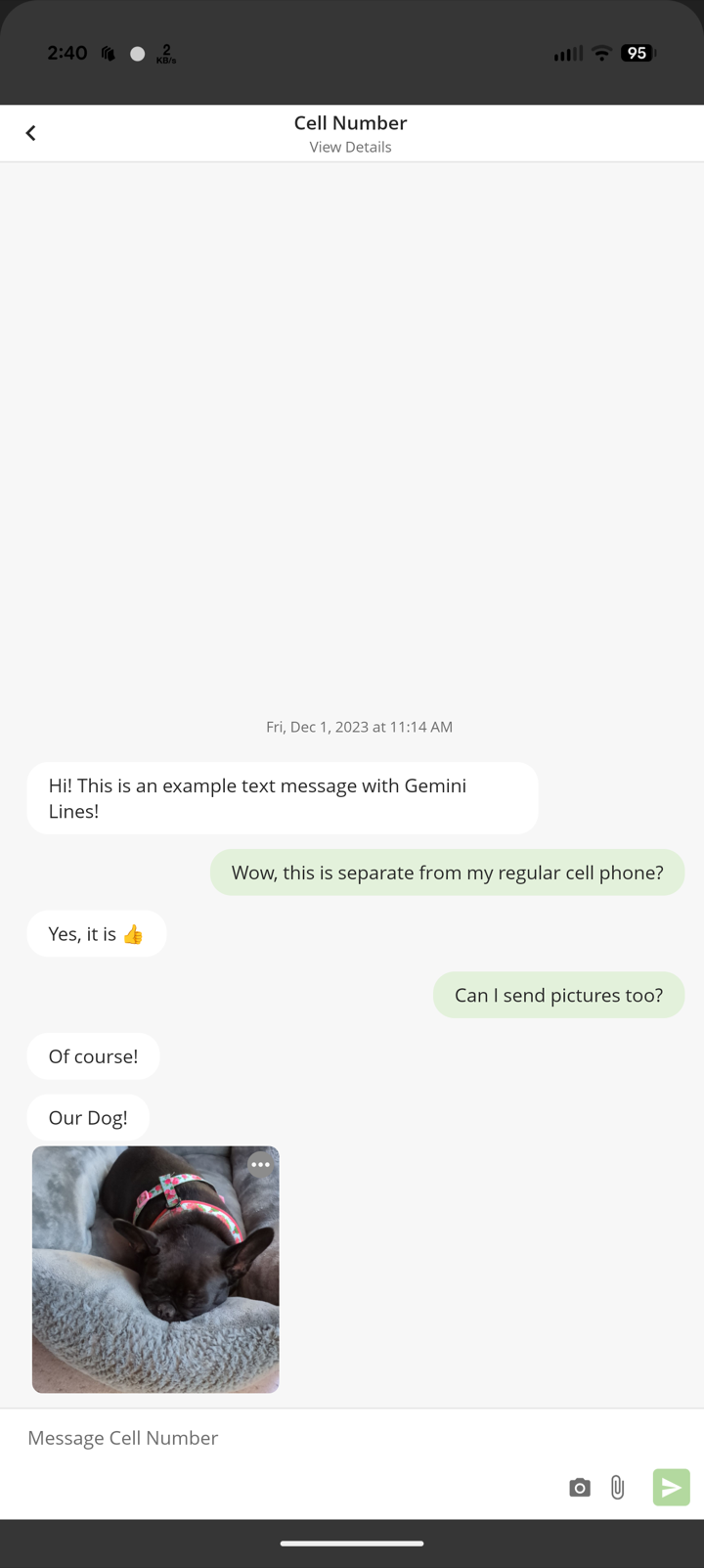
ConnectUC business text conversation with picture messaging
Business messagingKeep work texts out of your personal inbox.
One business identityCalls and texts, wherever work happens

Professional calling

The foundation that separates the business from the personal phone while keeping work accessible.

Local business number when needed

A seat can receive a new local number or an eligible transferred number when needed; not every seat requires its own number.

Basic

Business calling

Make and receive calls through the business identity instead of exposing a personal number.

Basic

Mobile and desktop apps

Make and receive business calls from the devices you already use.

Basic

Click-to-call links

Start a business call from supported phone-number links in websites, email, CRMs, and other desktop applications.

Basic

Customizable speed dials

Create quick-access buttons for frequently used people, numbers, contacts, supported feature controls, or useful web destinations.

Basic

Voicemail and notifications

Keep business messages and alerts organized away from personal communications.

Basic

Call history and contacts

Review activity and reach customers or colleagues from one place.

Basic

Customer portal access

Manage everyday settings—including your automated attendant—without waiting for someone else to make every change.

Basic

Microsoft 365 single sign-on

Let eligible ConnectUC users sign in on web, desktop, and mobile with their existing Microsoft 365 credentials. Tenant and account requirements are reviewed before activation.

Custom

Galaxy Watch companion app

Extend supported Android ConnectUC activity and notifications to a compatible tethered Samsung Galaxy Watch.

Custom

Physical desk phones

Add traditional handsets through flexible purchase, lease, or deal-based options reviewed with you case by case.

Custom

Business messaging

Meet customers where they already communicate, using the business identity rather than a personal cell number.

Inbound business texting

Receive customer text messages through the business number.

Plus

Outbound SMS and MMS

Reply to customers and send picture messages from the business number.

Plus

Shared texting

Allow a small team to see and respond to the same customer conversations.

Plus

Group messages and attachments

Include several people in a conversation and share supported pictures or files when useful.

Plus

Unread status for follow-up

Mark an SMS conversation unread when it needs attention later or should remain visible to the person responsible for responding.

Plus

Contact-card sharing

Send and receive supported .vcf contact cards through business SMS conversations.

Plus

Specialized messaging workflows

Consider unique applications, campaigns, automations, or higher-volume requirements through a case-by-case review.

Custom

Call handling and teamwork

Move beyond a single ringing phone when the business needs schedules, groups, or a more polished customer journey.

Simple call routing

Direct calls to the right person or device without unnecessary complexity.

Basic

Automated attendant and menus

Present callers with choices and route them accordingly. The capability is available on every plan, and customers can edit it through their portal; optional programming help is scoped separately.

Basic

Shared lines and call groups

Let several people answer the same business number from apps or desk phones.

Plus

Business-hours routing

Handle open, closed, holiday, and after-hours calls differently.

Plus

Advanced routing and call flows

Coordinate more involved schedules, destinations, menus, and call-handling rules.

Advanced

Greetings and hold experience

Use welcome menus, voicemail prompts, and hold audio that fit the business; content and programming help can be reviewed separately.

Custom

Productivity and specialized needs

Add these capabilities when they solve a specific operational or customer-service need.

Fax options

Send and receive faxes through an enabled, supported online, email, app, or compatible physical-machine workflow. The ConnectUC client accepts supported outbound files up to 75 MB.

Advanced

Call recording

Make recording available for reference, quality, or workflow needs where appropriate. Customers remain responsible for applicable notice, consent, retention, and access requirements.

Advanced

Voicemail transcription

Read supported voicemail messages as text when transcription is enabled for the user.

Advanced

Expanded reporting

Use additional call activity and history to support follow-up and management.

Advanced

Microsoft Teams and integrations

Review connectivity to collaboration and business applications based on the tools you already use.

Custom

Call center capabilities

Consider queues, agents, supervisors, and additional customer-service controls when they fit the business.

Custom

See the features in context

Start with the business problem, then choose the capability.

The catalog explains what each feature does. These use cases show why a small business may actually want it.

Remote work

Keep the business number available away from the office

Use mobile and desktop apps without publishing a temporary or personal number.

See the use case

Small teams

Share customer text conversations

Let authorized teammates see and answer service conversations from one business number.

See the use case

Call handling

Build a helpful automated attendant

Give callers a short route to the right person, group, voicemail, or information.

See the use case

Business messaging

Put ordinary customer texts on the business number

Plan SMS and MMS around expected conversations, registration, consent, and clear usage.

Explore business texting

Devices

Add desk phones where a physical handset helps

Combine apps and standards-based business phones through flexible equipment options.

Explore phone hardware

Getting started

Transfer the number customers already know

Prepare the new setup, verify provider records, and plan a controlled changeover.

Understand number transfers

Simpler sign-in

Use familiar Microsoft 365 credentials

Reduce password friction for eligible ConnectUC users across web, desktop, and mobile.

Explore Microsoft 365 SSO

Included across the foundation

Mobile and desktop access should not be the confusing part.

The Gemini Lines mobile and desktop experience, powered by ConnectUC, is the consistent starting point across all three public service levels.

Physical handsets remain an option—not a requirement.

Compare all three levels

A conversation, not a sales queue

Not sure which level fits?

Tell us how customers reach you and where the current setup gets in the way. We’ll map the needed features to Basic, Plus, or Advanced and identify anything worth reviewing case by case.
Start a conversation